
Help · Associations
Your association's photos, step by step
Sign in with your association's portal password to see and download the photos and videos of your events.
Step by step
Get your portal password
Each association has one portal password, set by an ESSEC Moments co-president, who gives it to your representative. No account yet? Request access on the Contact page.
Sign in on the Association tab
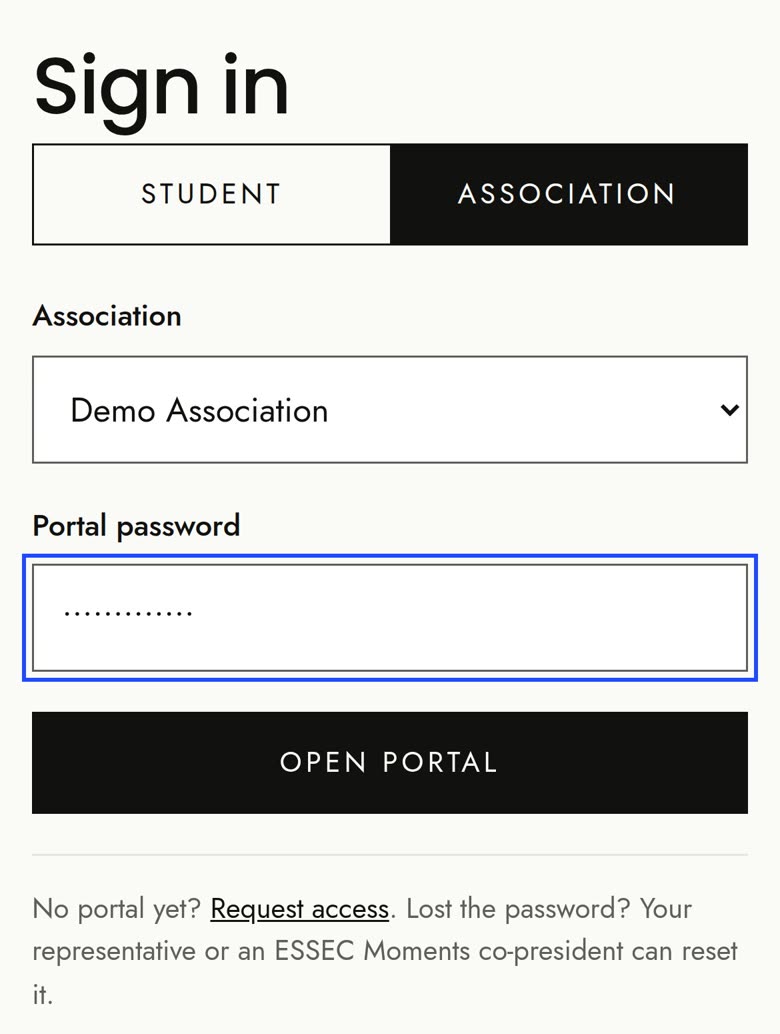
Open Sign in and choose the Association tab. Pick your association's name in the list, type the portal password and click Open portal.
You never type a login: the name in the list is enough. (Behind the scenes the admin knows your association by its “Login ID”.)
What you see
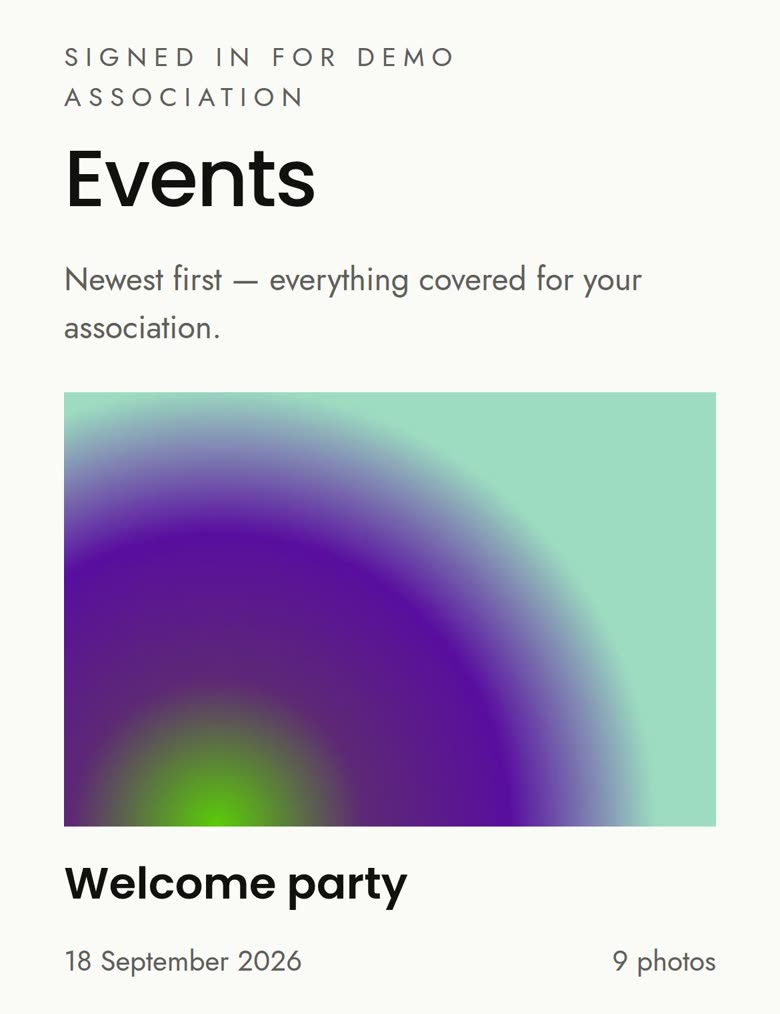
Events lists the events your association is part of. In each one you see the Associations album, plus any album reserved just for your association. Other associations never see an album reserved for you.
Download photos, videos and whole albums
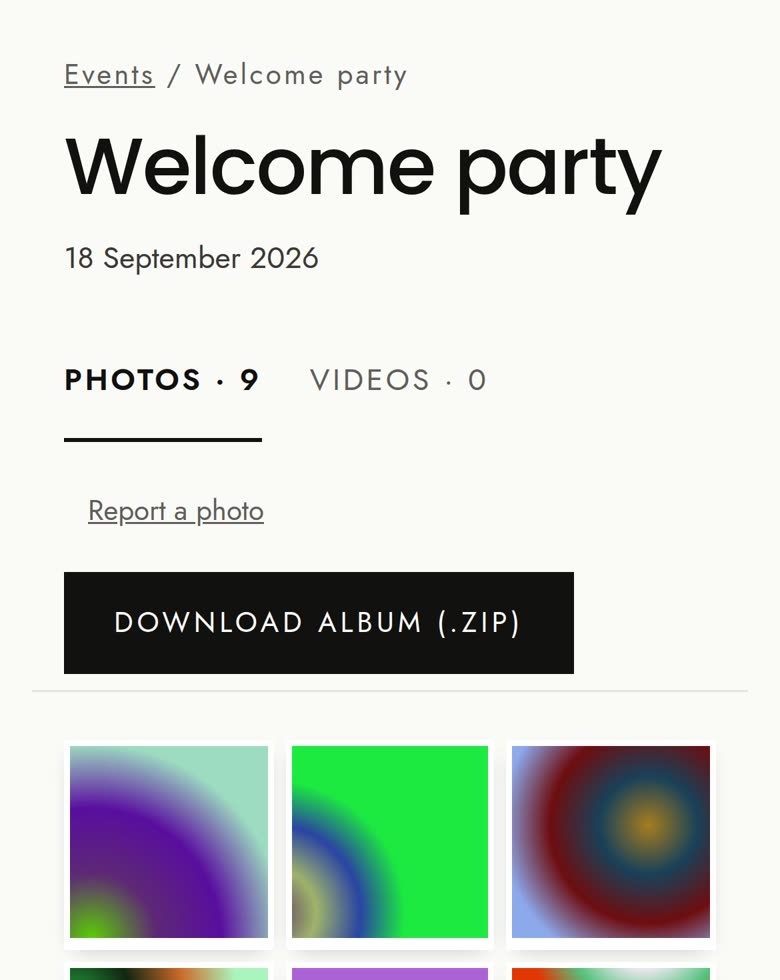
Open a photo and click Download original for full quality. Each video has Download video. Download album (.zip) gets every photo at once (big albums come in parts of up to 50 photos).
Your access doesn't expire
Unlike students, whose access ends one year after each event, associations keep access to their events' albums.
A new event, or a missing one?
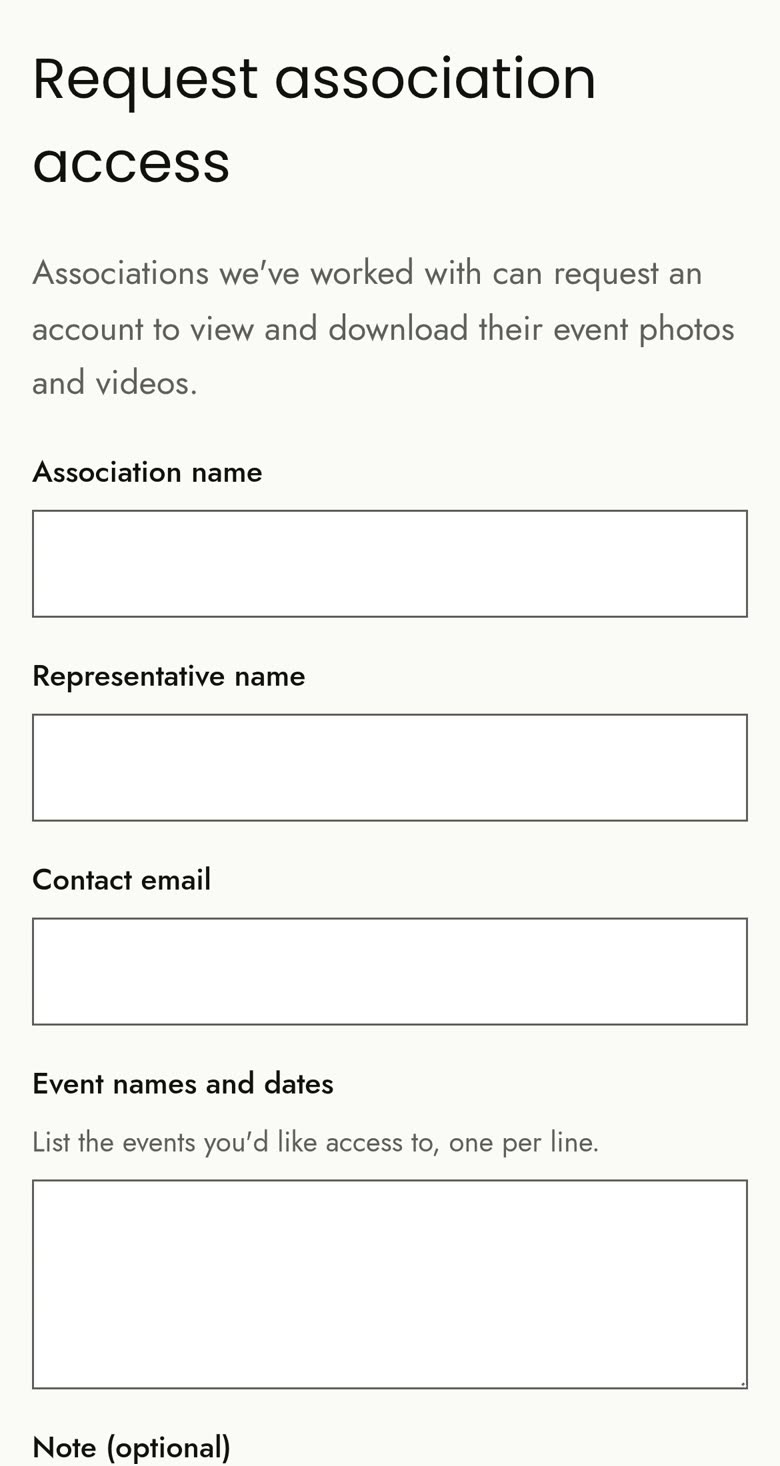
Use Request access on the Contact page and list the events you'd like, one per line. The team adds your association to them.
Lost the password?
Associations can't reset their own password. Ask an ESSEC Moments co-president (or ask your representative to do it): only a co-president can set a new one.
Frequently asked questions
Our association isn't in the list.
Only associations with an active portal are listed. Request access from the Contact page.
Is the password personal?
No: it's one password per association, shared by your members. Share it only with people in your association.
We were signed out and the password no longer works.
A co-president has probably changed it (changing it signs out every open session). Ask your representative or a co-president for the new one.
Do we need a Login ID to sign in?
No. Just pick your association's name in the list. The Login ID is only shown in the admin, for the ESSEC Moments team.
Why don't we see every photo of the event?
You see the Associations album and any album reserved for your association. Some photos may be shared only with students or kept for the public portfolio.
Can other associations see our own album?
No. An album reserved for your association is visible only to you (and to the ESSEC Moments team).
Does our access expire?
No. Association access doesn't expire.
An event we covered is missing.
Your association may not be assigned to it yet. Request access and list the event.
The album came as several .zip files.
That's normal: big albums are split into parts of up to 50 photos. Download every part.
Someone wants a photo of them removed.
They (or you) can use Ask us to remove a photo on the Contact page. The team reviews it and can hide the photo everywhere.
Still stuck? Write to us from the Contact page.